 CareMoment
Every moment of care, recorded with care
Hold to talk to log what happened. Photos and times are organized into a timeline, so handovers are clear at a glance and family can check in anytime, without digging through chats and camera rolls.
Hold to talk. Logged instantly. No typing.
When your hands are busy, hold the button, say what happened, and let go. The entry is added right away.
- Press and hold “Hold to talk”
- Say what happened, like “Drank 100 ml of water” or “Temperature 36.8 degrees”
- Release, and it’s logged
Care records shouldn't be scattered everywhere
If you look after a loved one, these may sound familiar.
Notes lost in chats and photos
Photos sit in the camera roll and notes in group chats. When a nurse asks, it takes ages to find them, and it's easy to post in the wrong chat.
Handovers mean scrolling back
The next caregiver has to dig through piles of messages to learn what happened on the last shift, and important details slip through.
Peace of mind without the noise
Family want to stay informed, not buzzed about every little thing. Open the app when you want an update and it's all there.
Built for real caregiving
Easy for caregivers to log, reassuring for families to read.
Hold to talk, and it's logged
Hands busy? Hold the button, say what happened, let go. No typing needed.
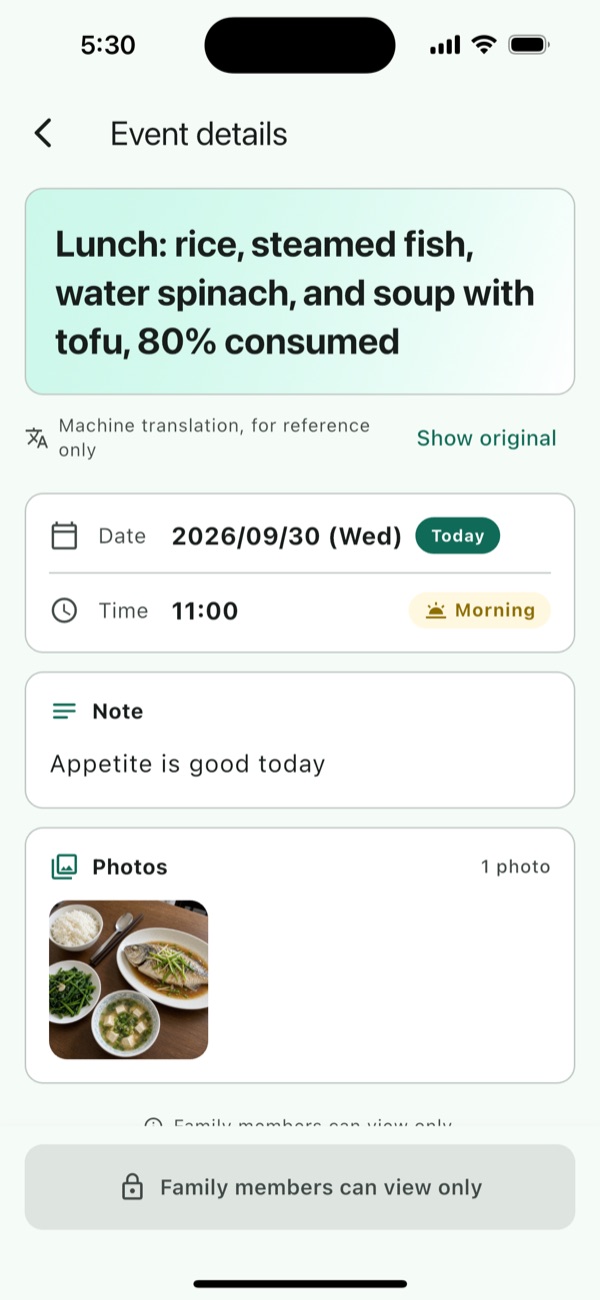
Photos on the timeline
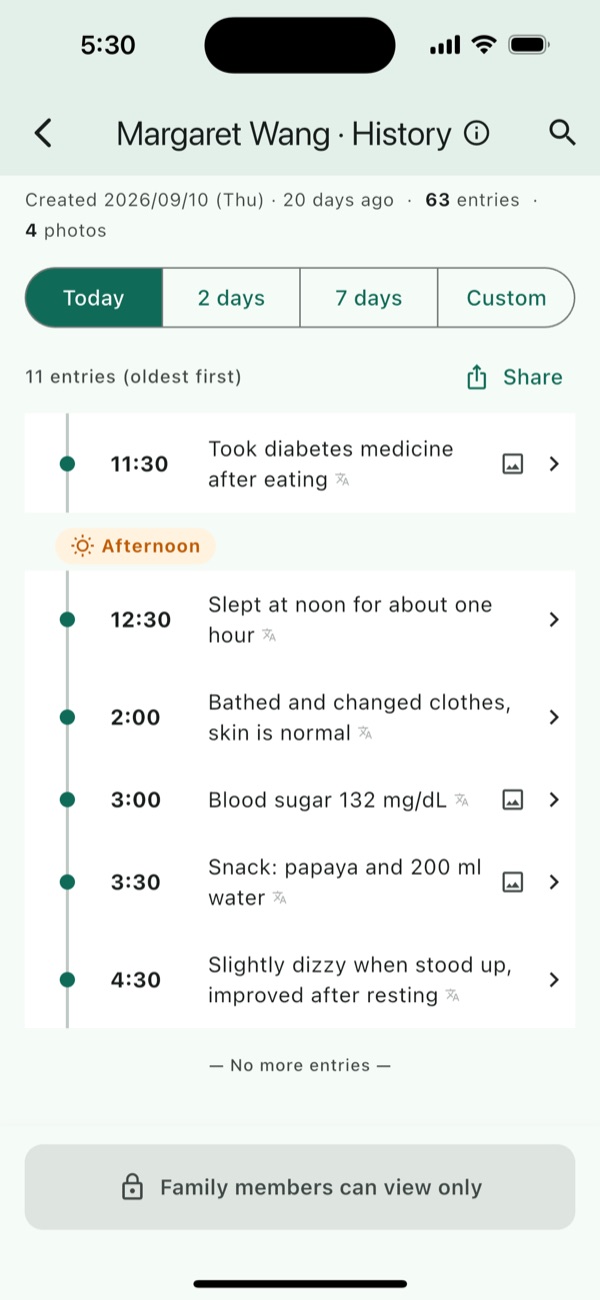
Attach photos to any entry. Everything is grouped by date and time of day, so finding a particular day is effortless.
Everyone in their own language
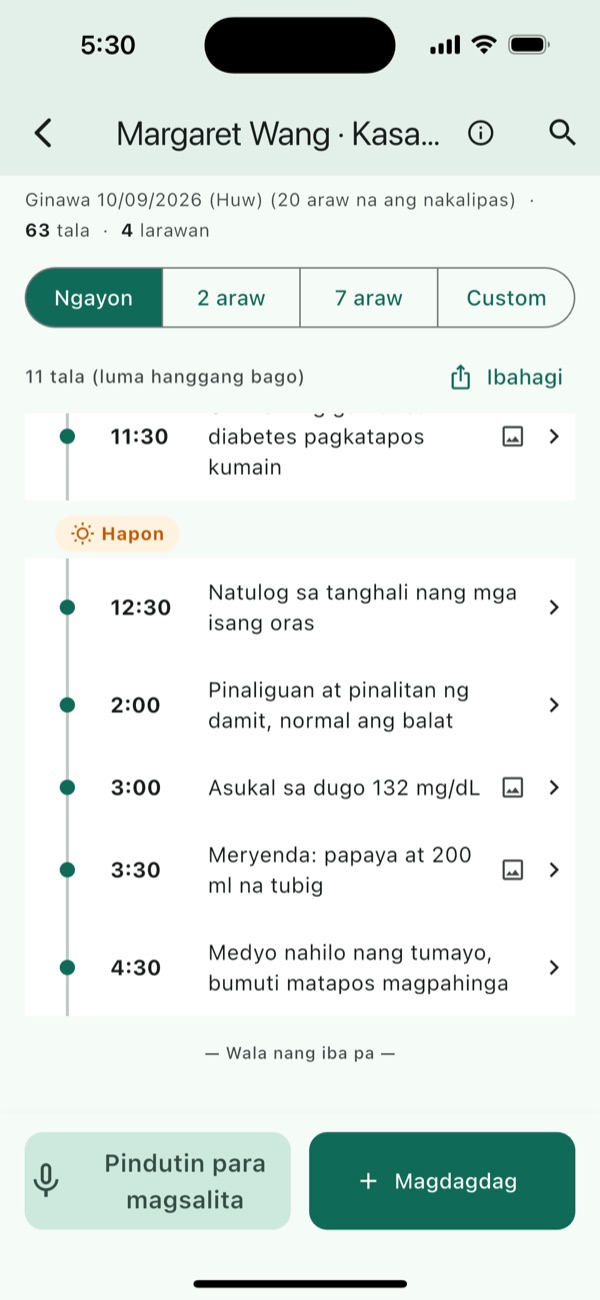
Available in 16 languages, with entries auto-translated into yours. A caregiver writes in Filipino; the family reads it in English.
Machine translation, for reference only. Switch to the original anytime.AI summaries, shared in one tap
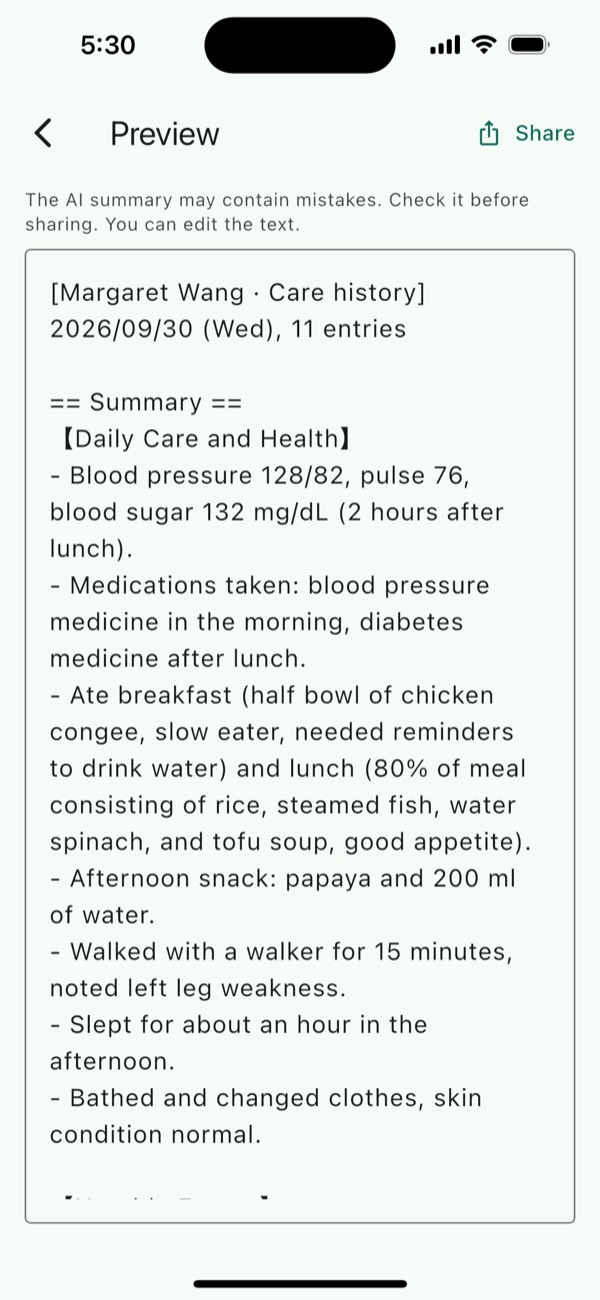
Pick a date range and get a clear summary plus the full log, ready to send to family or a nurse via LINE and other apps. Edit the text before sharing.
Summaries are for reference only and do not provide diagnosis or medical advice.Works offline
In a hospital or somewhere with poor signal, keep adding entries and photos. They sync automatically once you're back online.
View-only access for family
Caregivers log; family members view. Records can't be changed by mistake, and data stored on the phone is encrypted.
One record, each in their own language
Caregivers write in their own language. Family open the app and read it in theirs, with no translating back and forth.
The app shows everything in your language, with 16 languages supported. Machine translation, for reference only. Switch to the original anytime.
Get started in three steps
Set it up once, then just log as you go.
Create a care profile
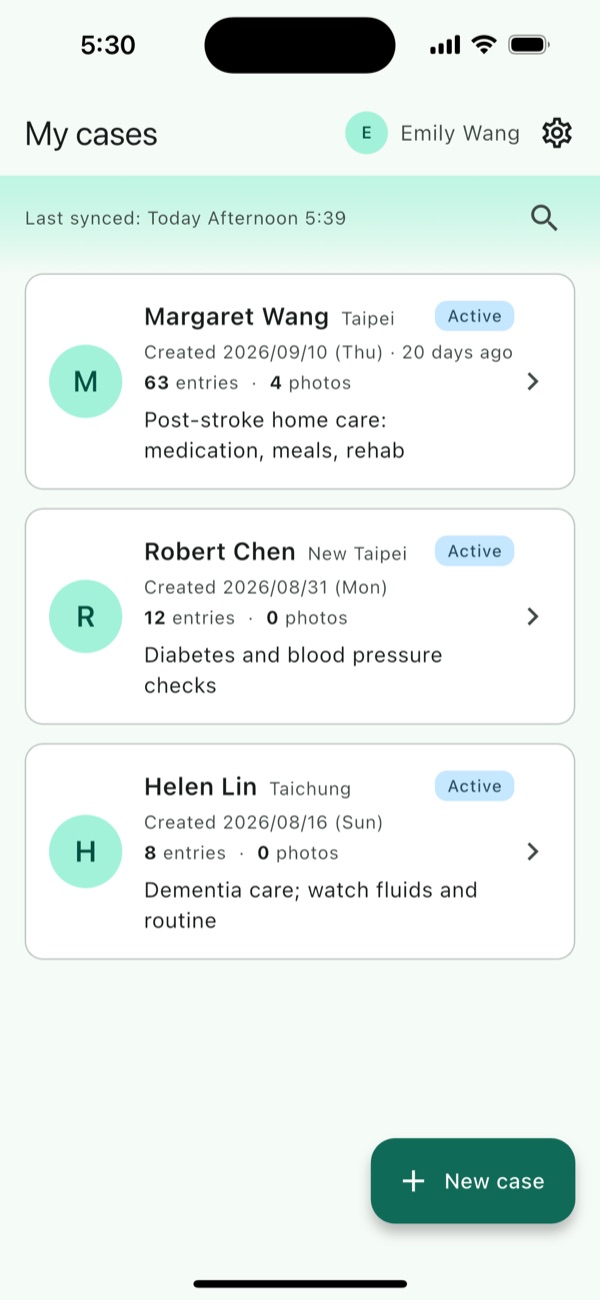
Add the name, location and care notes of the person you look after. All records live in one place.
Invite caregivers and family
Share an invite code to add caregivers or family. Everyone sees the same record.
Log as you go, share anytime
Jot things down during care, then turn them into a summary before a handover or doctor's visit.
Simple, clear screens
Large text and few steps, easy from the very first use.
Want to learn more or try it out?
CareMoment is on Google Play, and coming soon to the App Store. Drop us a line and we'll get back to you soon.